A controller that drops for even one second can cost an entire match. If your inputs freeze or your gamepad disconnects mid-game, the problem is usually not the game. It is the connection. This free controller connection stability test watches your gamepad live in your browser for 30 seconds and catches every interruption: full disconnects, micro-freezes, and signal dropouts.
Test results
Event log
Keep the tab in the foreground and keep using the controller while the test runs, a throttled tab can look like input gaps. Timestamp stalls over 50 ms count as interruptions; full disconnects are logged separately.
What This Test Measures
- Stability score (%): the share of the 30-second window your controller stayed responsive.
- Interruptions: every gap in the controller’s report stream, long or short.
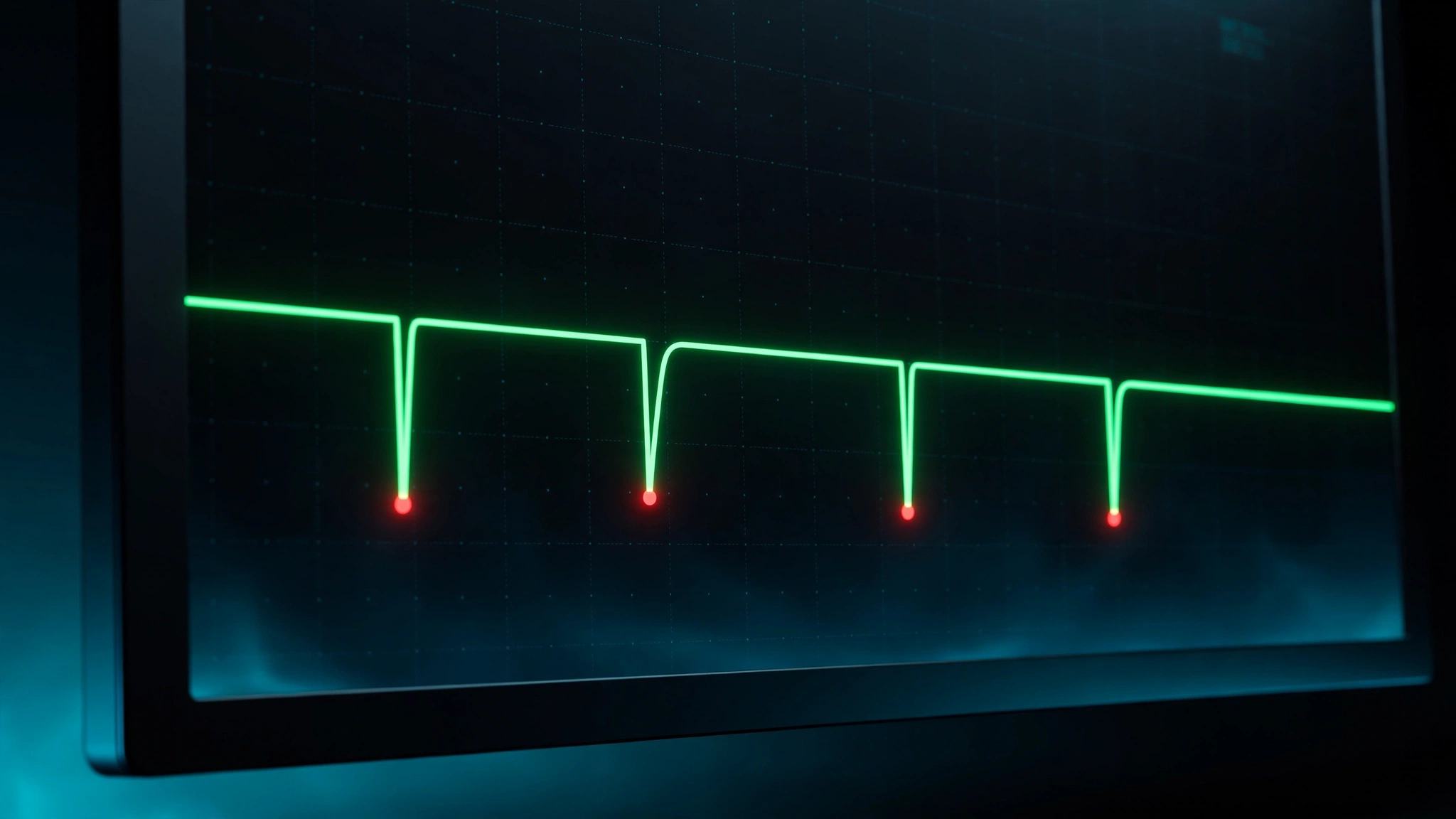
- Micro-interruptions (50–300 ms): brief freezes you feel as stutter, where a button press vanishes.
- Disconnects: full drops where the controller disappears and must reconnect.
- Longest interruption: your worst single gap, in milliseconds.
The tool reads your gamepad through the browser’s Gamepad API, so any gap is a real gap in what your PC received. It works with Xbox, DualSense, DualShock 4, Switch Pro, and 8BitDo pads over USB or Bluetooth. One honest note: this shows the connection quality your browser sees, which is perfect for comparing setups, but it is not a lab-grade hardware readout.
How to Run the Test
- Connect your controller the way you actually play, wired or Bluetooth.
- Open this page in Chrome or Edge and press any button on the controller. The browser needs that first press to wake up gamepad access.
- Press Start test and keep using the controller for the full 30 seconds: move both sticks and press buttons. Gamepads slow their reports when idle, so keep input flowing.
- Change nothing during the run. Same distance, same cable, hands off the cord.
- Run the controller connection stability test twice, once wired and once wireless. That comparison usually reveals the culprit.
How to Read Your Results
- 100%: rock solid.
- 99.0–99.9%: good. One or two micro-interruptions, fine for everything but serious competition.
- 97–99%: shaky. You will feel stutter in fast games. Cut interference with the steps below.
- Below 97%: real problem. Work through the fixes in order.
- Micro-interruptions of 50–300 ms feel like hitching. Several in a row usually mean interference or a weak battery.
- A longest interruption over 500 ms means the controller fully lost contact.
Share your score in the comments with your controller and connection type.
Common Causes of Instability
Bluetooth interference. Wireless pads share the 2.4 GHz band with Wi-Fi routers, microwaves, wireless headsets, and USB 3.0 ports. Microwaves are a surprisingly common culprit.
Low battery. As voltage drops, the Bluetooth radio gives up first, which is why a pad works fine on the charger but drops on battery.
Charge-only USB cables. The cable charges the controller but carries no data, so every input drops.
Outdated firmware. It ships with connection bugs that later updates fix.
Windows power saving. Windows can switch off your Bluetooth adapter to save power, producing the classic disconnect-reconnect loop.
Too many devices on one adapter. Bluetooth bandwidth is shared, so stacking two fast-reporting pads on one adapter can push one off.
Fixes: Stop the Drops
1. Stop Windows from sleeping your Bluetooth adapter
In Device Manager, open your Bluetooth adapter’s Properties, go to Power Management, and uncheck “Allow the computer to turn off this device to save power.” This is the highest-voted Microsoft Q&A fix for this problem (20+ helpful votes), and it works for all Bluetooth pads.
2. Cut the interference
Stay within 6 to 10 feet of your PC with a clear line of sight. Move the Wi-Fi router away from your desk, or run your PC on a wired network cable. Put the Bluetooth dongle on a short USB extension cable away from the PC case.
3. Charge fully and check the cable
Retest with a full battery, and use a data cable, not a charge-only one. Try a different cable and port, plugged straight into the PC rather than a hub.
4. Update the firmware
Xbox pads update through the Xbox Accessories app. DualSense and DualShock 4 update through DS4Windows. Firmware updates fix exactly the random-drop bugs this test catches.
5. Disconnects only when vibration kicks in? Read this
If drops happen the exact moment rumble starts, suspect hardware: a cracked solder joint on the antenna wire or motor mount, or the rumble motor starving the Bluetooth radio into a brownout reset. Confirm it by turning vibration off and retesting: if the drops stop, the controller needs repair or replacement.
Wired vs Bluetooth: What the Numbers Actually Say
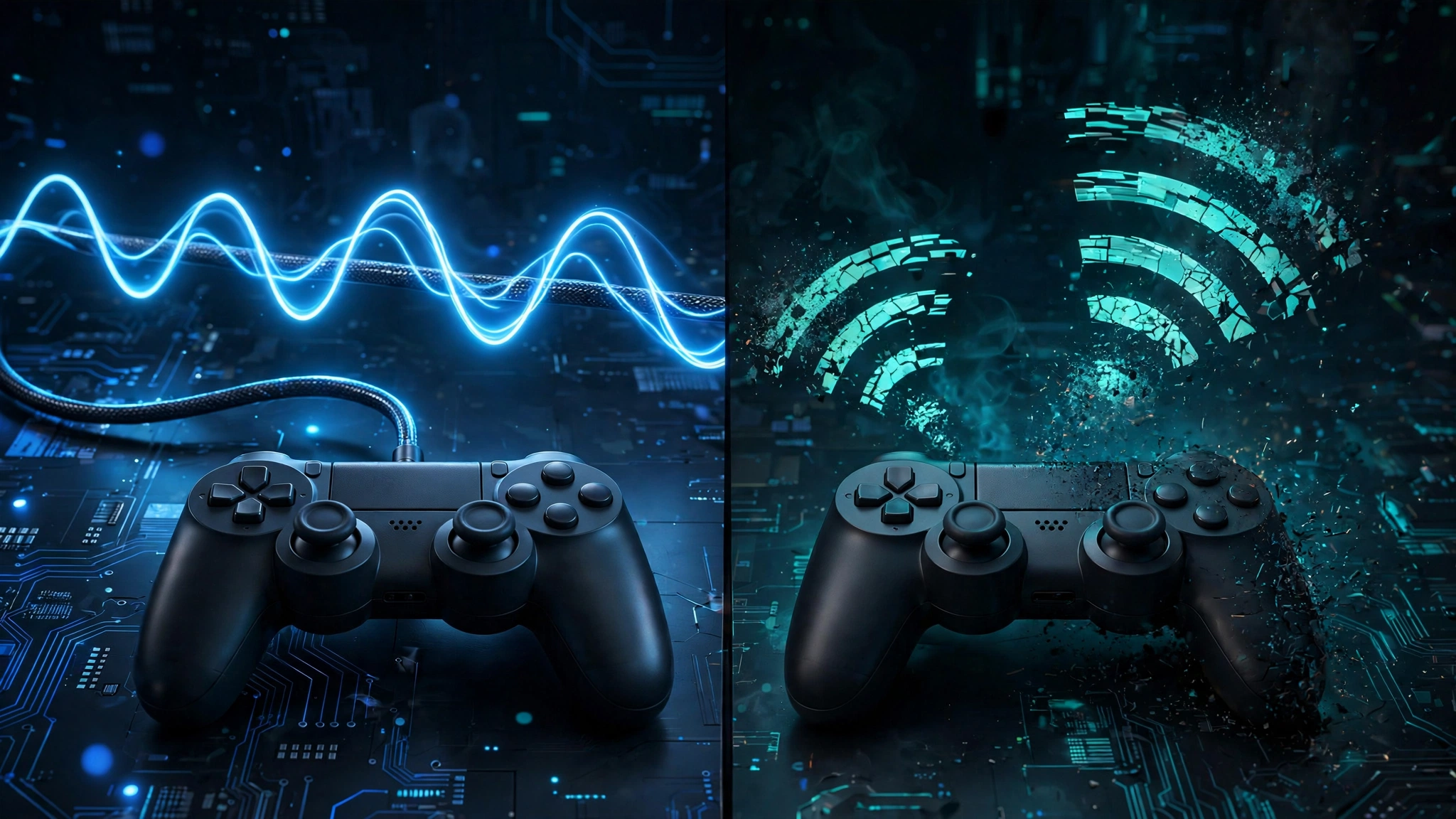
USB wired is the steadiest connection for most controllers. Plug straight into the PC with a data cable and interference stops mattering.
“Wired is always better” is not true for every pad. A DS4Windows community test by noodalls measured the DualShock 4 with more input delay over USB than Bluetooth, so test both with the tool above.
| Connection | Stability | Notes |
|---|---|---|
| USB wired | Best for most pads | No interference; must be a data cable |
| Bluetooth | Good at close range | Fades with distance, interference, low battery |
| Xbox Wireless Adapter | Better than Bluetooth for Xbox pads | Proprietary link; costs around $25 |
| 2.4 GHz dongle | Varies by brand | Advertised speeds apply through the dongle only |
Consistency beats raw speed. Pair this page with our polling rate test, and if the connection is clean but the game still feels slow, read how to test controller input lag.
Per-Controller Notes
PS5 DualSense. On PC, Bluetooth drops more as the battery drains. On the console, set Accessories to Use USB Cable. DS4Windows on PC raises report rates and clears up many PC-side quirks.
Xbox Series X|S. The Xbox Wireless Adapter holds a steadier link than Bluetooth. Windows pairs only one Xbox controller over Bluetooth at a time, so a second pad needs the adapter or USB.
Switch Pro Controller and Joy-Con. On PC, the classic failure is the blinking-lights handshake loop. Fix it with the hardware reset button, the Sync button, or BetterJoy.
PC in general. Apply the Device Manager power fix from step 1. If Steam Input double-handles your pad, disable it for that game. And switch off nearby consoles: a DualSense will reconnect to a PS5 next to your desk instead of your PC.
FAQs
Why does my controller keep disconnecting?
Low battery, Bluetooth interference, Windows switching off the Bluetooth adapter, or a charge-only USB cable, in that order. The Device Manager power setting fixes most PC cases.
Is my controller disconnecting, or is the game just lagging?
Run the test above. Full drops mean disconnects; 50 to 300 ms gaps mean stutter. A clean test means the fault is the game, network, or PC. Sticks moving on their own? Run our stick drift test instead.
Why does my Xbox controller keep disconnecting from Bluetooth on Windows 11?
Almost always the power-management setting. In Device Manager, open your Bluetooth adapter’s Properties, go to Power Management, and uncheck “Allow the computer to turn off this device to save power.”
Why does my PS5 controller keep disconnecting from my PC?
Charge it fully, apply the power-management fix above, update firmware through DS4Windows, and re-pair. Also switch off any nearby PS5: the DualSense prefers its console over your PC.
Why does my controller disconnect when vibration turns on?
Usually a hardware fault: the rumble motor can starve the Bluetooth radio (brownout reset), or a solder joint on the antenna wire has cracked. Turn vibration off and retest. If the drops stop, the controller needs repair or replacement.
How do I test my controller’s Bluetooth range?
Stand 10 feet away and run this controller connection stability test, then repeat closer. If the score jumps at close range, range and interference are the problem.
Can I use my Xbox controller on PC while charging?
Yes. A USB data cable carries power and input at the same time. A charge-only cable will look connected while dropping every input.
Does low battery really cause disconnects?
Yes. As voltage drops, the Bluetooth radio is usually the first thing to give up. That is why a controller works fine on the charger but drops the moment you unplug it.
Why won’t my Xbox controller connect to PC over Bluetooth?
Windows pairs only one Xbox controller over Bluetooth at a time, and your adapter needs Bluetooth 4.0 or newer. Remove the old pairing, update drivers, and pair fresh.
Should I play wired or wireless?
Test both with the tool above and keep the winner. Wired is steadier for most pads, but the DualShock 4 famously measured slower over USB than Bluetooth, so let the numbers decide. A deadzone test then confirms clean sticks.