Your aim keeps pulling left in Warzone, or your character drifts across the menu when you set the controller down. That is stick drift, and Xbox pads get it just like every other controller. Run this free Xbox controller drift test before you buy a replacement. It takes about a minute in your browser with this free gamepad testing tool, and needs no downloads. You will see live numbers for both sticks, so you know exactly how bad the drift is and whether a firmware update or recalibration can save the pad.
Start With the Resting Reading
Open this page in Chrome or Edge on a PC, press any button once so the browser picks the controller up, then run the tool first. Set the pad down and keep your hands off both sticks, and watch the stick dots and the axis numbers for 30 to 60 seconds. Note which stick moves and which direction it moves in, and push each stick through its full range too. A stick that stutters or cannot reach the outer edge has a travel problem on top of any drift. For the same readings on any pad, our stick drift test page walks through the full check.
What Counts as Drift on an Xbox Controller
A healthy stick rests at 0.00 on both axes, with tiny noise under about 0.05. Compare that resting offset with the deadzone in the game you play: a reading only matters if it repeats and beats the game’s deadzone, so a small repeated offset may be invisible in one game and obvious in another. To see how much deadzone your reading needs, check our controller deadzone tester. A single reading is not the whole story, so repeat the resting test before you draw a conclusion.
Update and Recalibrate in the Xbox Accessories App
Old firmware can cause calibration quirks, and Microsoft keeps shipping stick-related fixes. Grab the free Xbox Accessories app from the Microsoft Store, plug the controller in with a USB cable, and open the app. If an update is available you will see an “Update required” prompt under the controller picture. Click it and follow the steps, and do not unplug the cable while it updates. This takes about five minutes. How-To Geek’s walkthrough covers the same steps with screenshots.
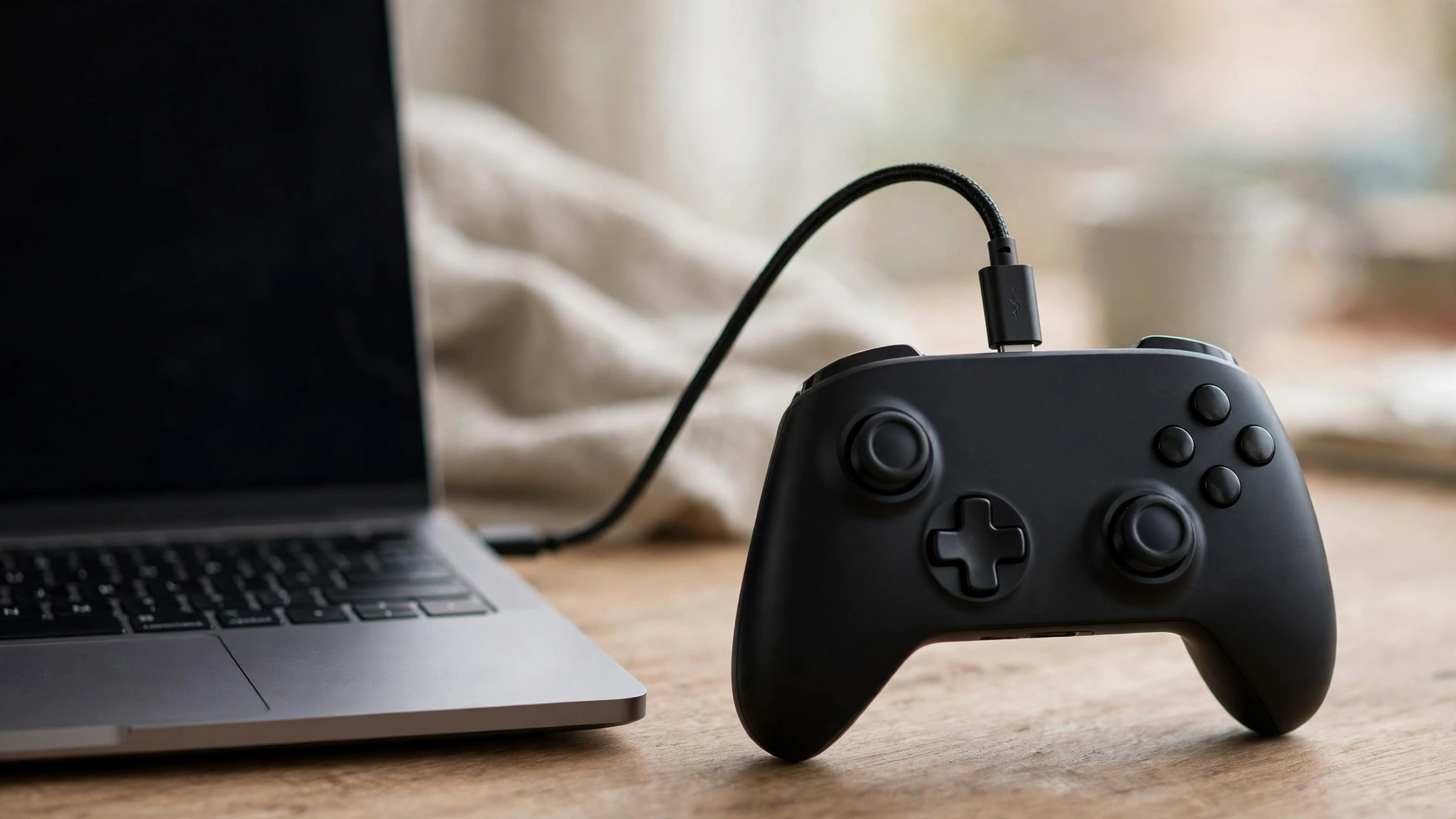
Stick recalibration is offered on supported models, for example Elite Series 2 and newer standard controllers, inside the same app. Microsoft only supports recalibration on the standard Xbox Wireless Controller and the Elite Series 2, so every other Xbox pad gets no official recalibration option from Microsoft. Retest in the browser afterwards, whether you updated, recalibrated, or both.
Check These Before You Blame the Stick
Low battery over Bluetooth, wireless adapter versus Bluetooth differences, and another controller or profile interfering can all change a result. If you normally play over Bluetooth or the Xbox Wireless Adapter, repeat the test wirelessly afterward, then retest wired. Comparing wired and wireless results tells you whether the problem is the sticks or the connection. Our controller connection stability test can dig into dropouts separately. Power the controller off and spray short bursts of compressed air around the base of each stick, tilting the stick as you go, to clear debris that causes false readings.
Limits of a Browser Test for Xbox Controllers
The test reads the axes and buttons the browser exposes, and it reads raw Gamepad API data straight from the controller with no smoothing, so what you see is what your PC sees. It cannot measure trigger internals or prove wear, and it cannot repair a physically worn stick module. If the drift survives firmware, recalibration, and cleaning, weigh a paid Microsoft repair against a new controller, and test any replacement the day it arrives. Our guide to fixing stick drift without opening the controller rounds up the non-invasive options in one place.
FAQs
Why does drift appear in one game but not another?
Games use different deadzones, so a resting offset that beats one game’s deadzone may be ignored by another. Compare the browser reading with each game’s deadzone setting before you conclude the stick has changed.
Does the Xbox Accessories recalibration fix hardware drift?
It can help when the cause is software or bad calibration data. It cannot repair physically worn stick modules, so retest after using it to see if the same resting reading returns.
Elite Series 2: are the adjustable-tension sticks tested differently?
No. The browser test reads the same stick axes, whatever tension setting you use. Keep the tension setting the same for each test run, so you are comparing like with like, and note the setting alongside your result.
USB or the Wireless Adapter for the cleanest test?
USB gives the cleanest reading, because a cable removes wireless noise from the results. Use the Wireless Adapter or Bluetooth as a second check after the wired test, especially if you normally play wirelessly. If drift disappears on a cable, the wireless link is the problem, and you can check the pad with our polling rate tester.