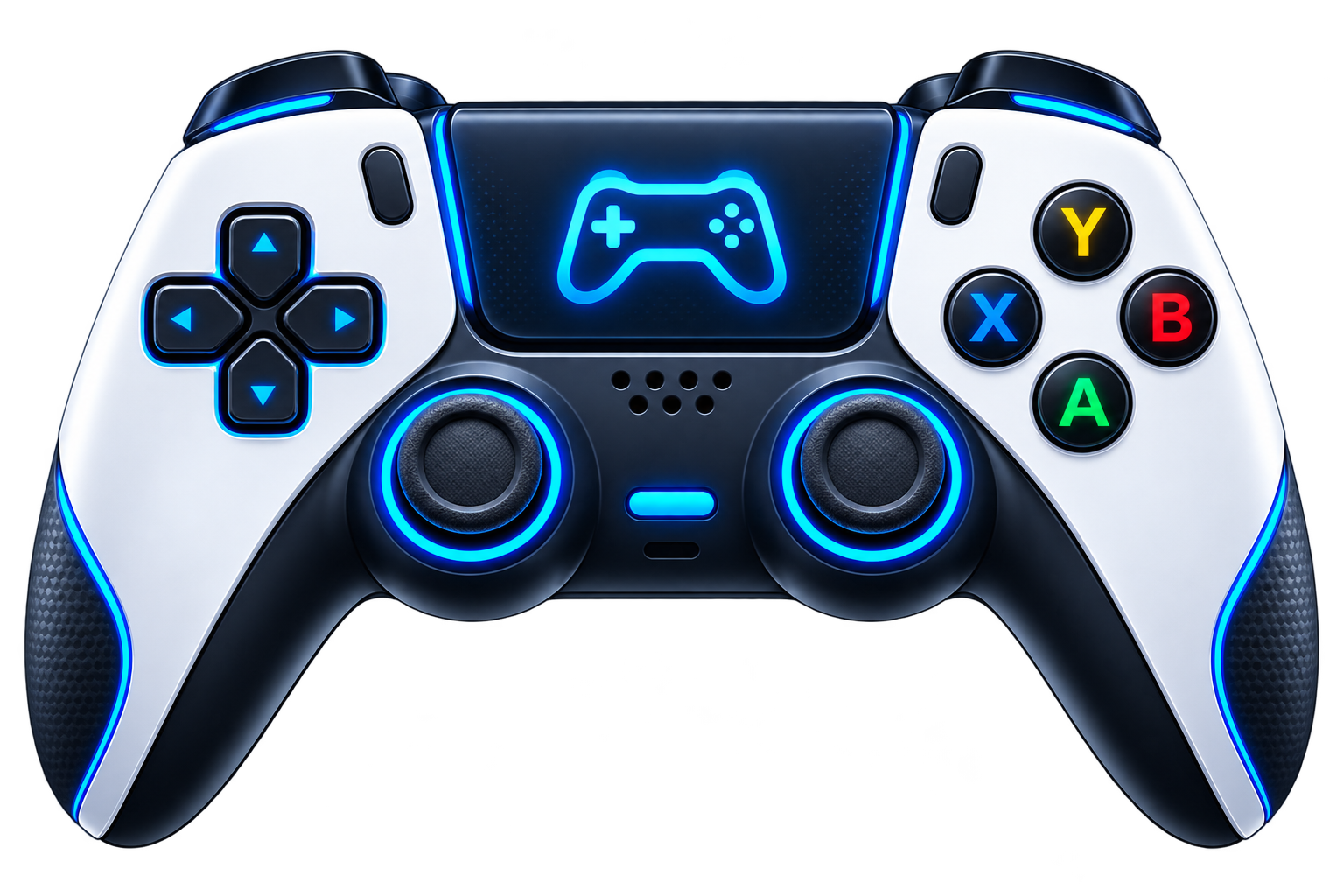
Your aim feels off, but the drift test says your sticks are fine. Sound familiar? Drift only checks the stick at rest. This free controller circularity test checks it in motion: pick a stick, rotate it slowly in full circles, and watch your trace draw live on a polar plot against a perfect reference circle. You get a circularity error percentage, min and max radius, and average radial deviation, the numbers that explain why your crosshair speeds up and slows down as you turn.
Rotate the stick slowly at full deflection — about one turn every two seconds — for at least 3 full turns. Under 5% error is excellent, 5–15% is worn but usable, over 15% points to a physical fault. Everything is computed locally in your browser; no input ever leaves your computer.

What Circularity Actually Measures
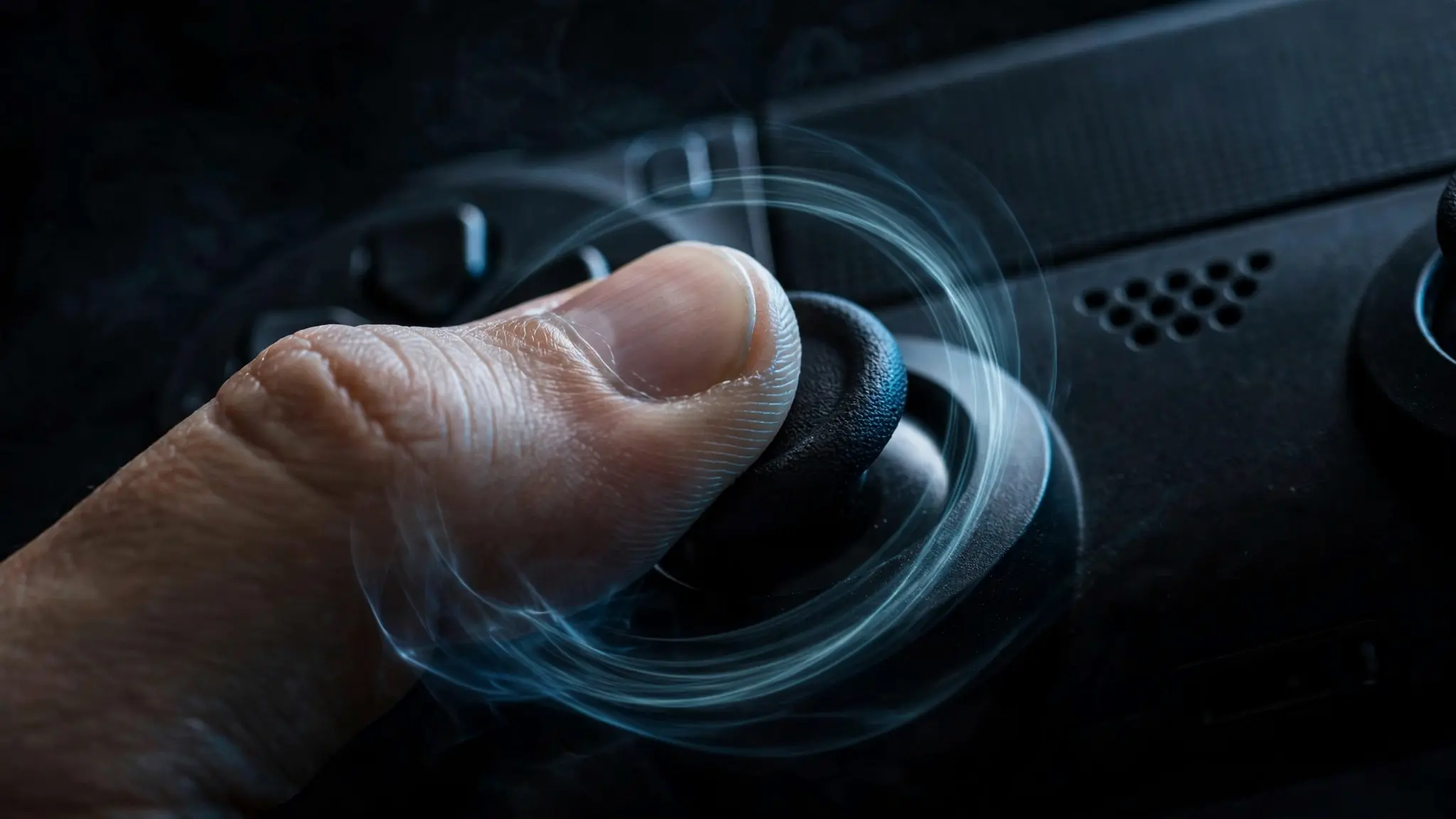
A healthy analog stick, pushed to full deflection and rotated, traces a near-perfect circle. Games read the stick’s position as a direction plus a magnitude, how far you pushed it. If that magnitude is the same at every angle, your character turns at a steady speed no matter which way you aim.
When the hardware wears, the trace stops being round. Worn potentiometers, a tired centering spring, or a chewed-up gate produce flat spots, ovals, or spirals. In-game, your aim snaps or drags when you cross a certain direction, diagonals feel slower than cardinals, and no sensitivity setting ever quite fixes it. As the team behind one dedicated circularity tool explains, “a healthy analog stick traces a near-perfect circle at full deflection. Worn potentiometers, damaged gates, or weak springs produce a flat spot, an oval, or a spiral” (https://controller-test.com/circularity-test).
Why It Matters More Than Drift for Aim
Drift is a resting offset, the stick reports movement when your thumb is off it. Circularity error is a moving offset: the stick reports the wrong magnitude while you are actively aiming. That is why so many players insist their controller is fine, they ran a drift test, it passed, and they went back to fighting an aim curve no setting can fix.
Picture tracking a target in a shooter, rotating the stick smoothly. If the trace has a flat spot at the 2 o’clock position, your turn speed dips every time you cross it. Your muscle memory learned a constant speed; the stick delivers a variable one. A two-minute rotation test ends the debate with a number.
How to Run the Test
The method matters. A fast, sloppy spin gives a noisy trace and a misleading number. Connect via USB if you can, open this page in Chrome or Edge, press any button so the browser picks up the pad, then select a stick and press Start. Push the stick to full deflection, hold it at the rim, and rotate slowly, about one full turn every two seconds, for at least three full turns. More samples fill in the trace and smooth out hand wobble. Then press Reset and read your numbers: circularity error %, min/max radius, and average radial deviation.
The plot updates live, so you can see a flat spot forming in real time. If the trace looks like a square with rounded corners, the stick’s range is overshooting the circle at the diagonals, common on some replacement modules and third-party pads.
Reading Your Results
The headline number is the circularity error %: the average deviation of your trace from a perfect circle, as a share of the stick’s range. Here is how to read it, using the bands published by the dedicated circularity tool at controller-test.com (https://controller-test.com/circularity-test):
- Under 5%, excellent. Your stick is tracing a clean circle. Any aim complaints are coming from settings, not hardware.
- 5–15%, worn but usable. The stick has flat spots or mild ovaling. You will feel it in precise tracking, but it is playable. Consider bumping your deadzone slightly or planning a replacement.
- Over 15%, physical fault. Something is mechanically wrong: worn potentiometer tracks, a damaged gate, a dying spring. No software setting fixes this.
Two supporting numbers add context. Min/max radius shows your stick’s actual range, if the max is far below 1.0, the stick never reaches full deflection and you lose turn speed everywhere. Average radial deviation is the raw wobble behind the percentage, useful for comparing two controllers head to head.
One caveat from repair professionals: the number is not the whole story. A shop that calibrates hundreds of DualSense pads notes that “error rate” is really range overshoot, and they deliberately calibrate to around 7–9% because corners need overshoot for moves like auto-sprint (https://www.stickfixrepair.com/helpful-tips/how-can-i-get-my-circularity-average-percent-to-0). Do not chase 0%, chase symmetry.
What Causes Bad Circularity
Circularity degrades for physical reasons, which is why it never improves on its own.
- Potentiometer wear. Most stock sticks read position with resistive tracks that wear where your thumb spends the most time, usually the sprint-forward and strafe zones. Those worn patches dent the circle exactly where you aim most.
- Gate damage. The plastic ring the stick rides against can develop grooves or chips, carving flat spots into the trace.
- Spring fatigue. A weak centering spring lets the stick sit slightly off-axis at full deflection, turning circles into spirals.
- Bad replacement modules. Cheap third-party sticks sometimes saturate early, the sensor maxes out at 70% of physical travel, drawing a square-ish trace with dead outer travel.
- Hall effect exceptions. Magnetic sticks do not wear like potentiometers, but a magnet installed slightly off-center skews the whole circle, and they can read differently clockwise versus counterclockwise.
If your stick also wanders at rest, run the stick drift tester first, drift and circularity are separate faults with separate fixes, and a single controller can have both. A stick that will not recenter cleanly is also worth checking on the deadzone tester.

Can You Fix Bad Circularity?
It depends on the cause. Software can compensate for mild cases: raising the outer deadzone trims an overshooting trace, and Steam Input or DS4Windows let you reshape the response curve around a flat spot. Some controllers, notably the DualSense, can be recalibrated with community tools that rewrite the stick’s range tables.
Physical wear is physical. Contact cleaner helps drift, but it does not restore a worn potentiometer track or a chipped gate. Past 15%, the real fixes are a stick module replacement or a controller with Hall effect sticks, which use magnets instead of resistive tracks. Before spending money, re-test on USB with a second controller as a baseline, a known-good pad removes all doubt about whether the number is the stick or your technique.
For the full health picture, pair this test with the connection stability test (rules out wireless interference skewing your readings) and the polling rate tester (confirms your PC is actually receiving every report the stick sends). And if your aim still feels delayed after the hardware checks out, the input lag guide walks through measuring true response time.
FAQs
What is a good circularity percentage for a controller?
Under 5% is excellent, 5–15% is worn but usable, and over 15% points to a physical fault. These bands come from the dedicated circularity tool at controller-test.com. Note that repair shops deliberately calibrate some controllers to 7–9% because corners need slight overshoot.
What does circularity error mean?
It is the average deviation of your stick’s rotation trace from a perfect circle, expressed as a percentage. A low number means the stick reports the same magnitude at every angle; a high number means flat spots or ovals that make your aim speed vary as you turn.
Is 0% circularity error possible?
Practically no, and you would not want it. Even new controllers vary, and a small amount of corner overshoot is needed for mechanics like auto-sprint. Aim for a low, symmetrical number rather than zero.
Why does my aim feel off even though I have no stick drift?
Because drift only measures the stick at rest. Circularity measures it in motion. A stick can center perfectly and still trace an oval, which makes turn speed vary by direction, the classic “aim feels wrong but tests pass” symptom.
Does circularity affect aim in shooters?
Yes, directly. Shooters map stick magnitude to turn speed. An oval trace means slower turns on some angles and faster turns on others, which breaks the muscle memory behind tracking and flick shots.
Can you fix bad circularity without replacing the stick?
Mild cases (5–15%) can be masked with outer deadzone tweaks or response-curve reshaping in Steam Input or DS4Windows. Physical wear past 15% needs a module replacement or recalibration, software cannot restore worn hardware.