Xbox Controller Not Turning On? 8 Fixes That Work
You press the Xbox button and nothing happens. No light, no vibration, no sign of life. Before you buy a replacement, know this: an Xbox controller not turning on is a power problem far more often than a dead controller. Weak batteries, dirty contacts, a bad cable, or a stuck power state cause the vast majority of cases, and each one takes only a few minutes to rule out. Work through these 8 fixes in order, stopping when your controller powers on. Most dead controllers are back to life by fix 4.
The Quick Answer: Why Your Controller Has No Power
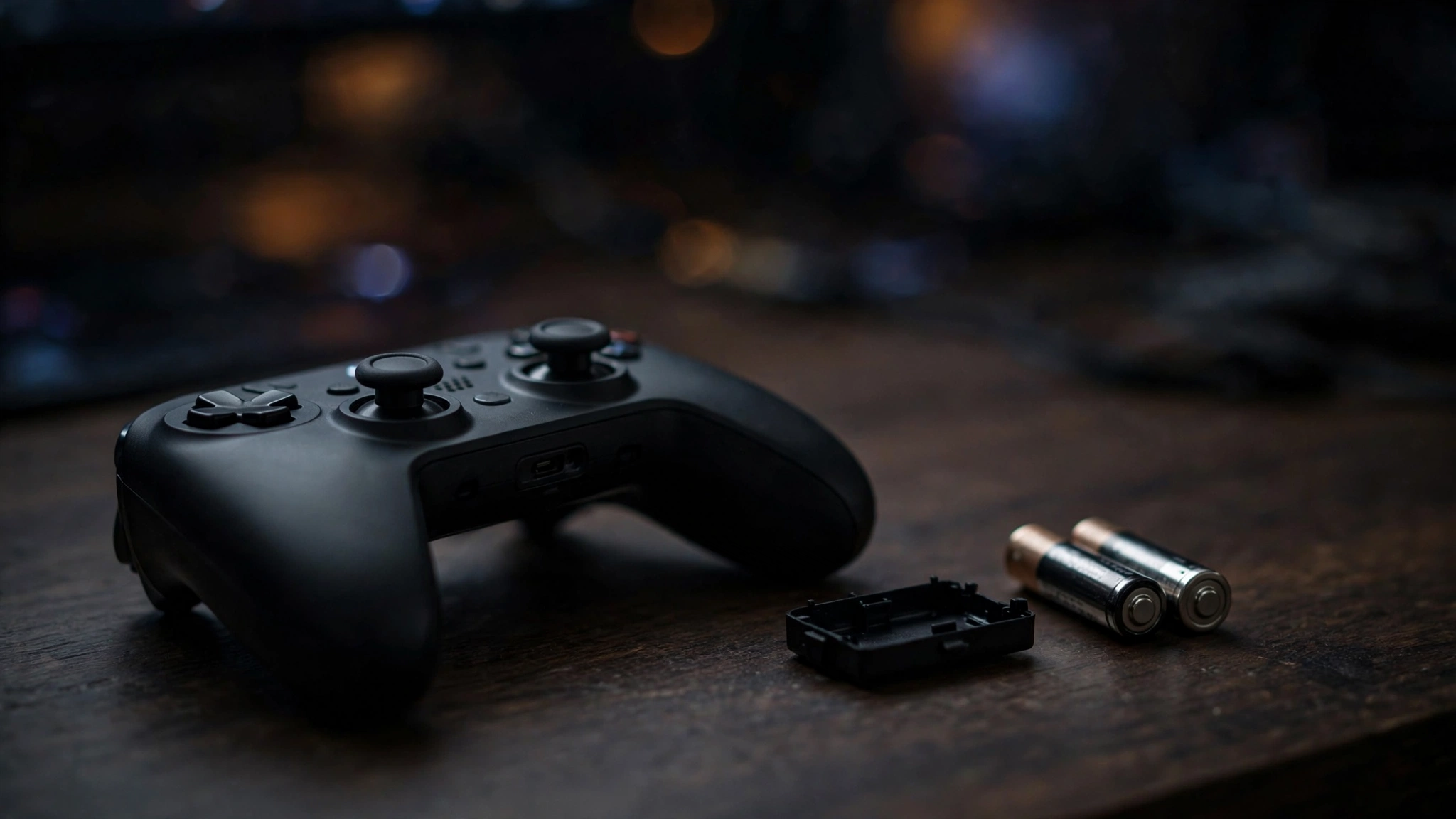
The most common reason an Xbox controller refuses to turn on is simply dead or weak batteries. The controller needs a solid voltage to boot its wireless radio, so batteries that still run a TV remote can fail to wake a controller. After batteries, the usual suspects are corroded battery contacts, a broken charging cable, a controller stuck in a bad power state, or firmware that got interrupted mid-update. Hardware failure is actually rare. If you want the short version: fresh batteries, clean contacts, a known-good cable, and a re-sync fix roughly nine out of ten dead controllers.
Fix 1: Put In Fresh Batteries (Do Not Skip This)
This sounds obvious, and that is exactly why people skip it and waste an hour. Dead or dying batteries are the number one cause of an Xbox controller not turning on, so rule them out properly.
Take the old batteries out and put in two brand-new AA batteries, or a fully charged pack you know is good. Check the plus and minus markings inside the compartment and match them. Do not mix one old battery with one new battery. Mixed batteries deliver uneven voltage, and the controller may still refuse to boot.
If you use a rechargeable Play and Charge Kit, take it out and try plain AA batteries instead. This single test tells you whether the problem is the pack or the controller. If the controller powers on with AAs, your pack or its charging cable is the problem, not the controller. A typical pair of AAs lasts around 40 hours of play, while a Play and Charge Kit averages about 30 hours per charge when new.
Fix 2: Clean the Battery Contacts and Bend the Tabs Back
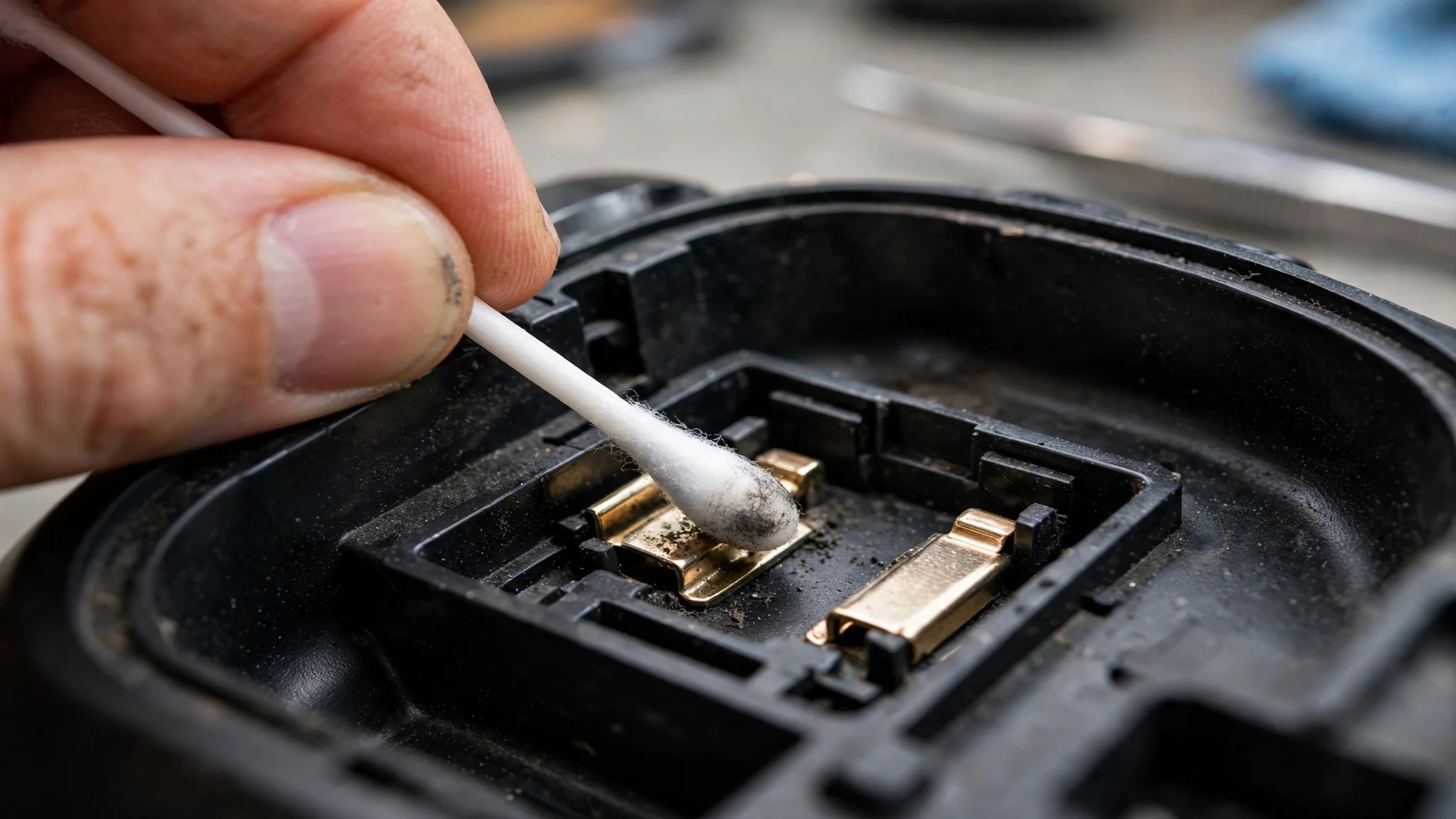
If new batteries did not help, look inside the battery compartment. The metal contacts in there take a beating. Over time they collect dust, develop corrosion from leaking batteries, or get bent inward so they no longer press firmly against the battery terminals. Any of these breaks the power connection.
Dampen a cotton swab with a little isopropyl alcohol and wipe each contact until the metal looks clean and shiny. Let it dry fully before putting batteries back in. While you are in there, look at the shape of the contacts. If the flat metal tabs look pushed in or flattened, gently bend them back outward with a small non-conductive tool like a plastic spudger or a toothpick, so they spring against the batteries again. Repair guides on iFixit point to this exact trick because battery tabs lose their spring tension with age, and restoring that tension fixes controllers that looked completely dead.
Fix 3: Drain the Leftover Power With the 30-Second Hold
Controllers can get stuck in a bad power state where they hold a small residual charge that blocks a clean boot. This fix clears it.
Remove the batteries completely. Now press and hold the Xbox button for a full 30 seconds. You are draining every bit of leftover power from the circuits. Release the button, wait another 10 seconds, put the batteries back in, and press the Xbox button once. This sounds strange, but it revives a surprising number of controllers, especially ones that died right after a firmware update or a long gaming session. It costs nothing and takes under a minute, so it is worth doing even if you doubt it.
Fix 4: Test With a USB Cable You Know Is Good
A controller that will not turn on wirelessly may still work over USB, and that difference tells you a lot. Grab a USB cable you know works for data and charging, such as a phone charger cable, and plug the controller directly into your console or PC. Do not assume your usual cable is fine. Cables fail silently all the time, and some cheap cables only carry power without data.
If the Xbox button lights up while plugged in, leave it connected for a few minutes. A deeply discharged rechargeable pack sometimes needs several minutes on the cable before the controller can boot. If it powers on over USB but dies the moment you unplug it, your batteries or battery pack are the problem, full stop. If it works fine wired but never wirelessly, the issue is the wireless side, which brings us to syncing and firmware.
Fix 5: Re-Sync the Controller to Your Console
Sometimes the controller has power but looks dead because it lost its pairing, particularly after being used on a different console, a PC, or a phone. The Xbox button may flash briefly and then go dark, which looks like a power failure but is really a connection failure.
Turn on your console first. Press the pair button on the console (on the Series X it sits next to the USB port on the front). Then press and hold the pair button on the top of the controller, near the USB-C port, until the Xbox button starts flashing. Give it a few seconds. When the light goes solid, the controller is paired. A controller that has power but lost its pairing can look exactly like an Xbox controller not turning on, so do not skip this re-sync. A wired USB connection also forces a sync, so if you already have the controller plugged in from Fix 4, try the Xbox button again now. If your controller powers on but keeps dropping its connection afterward, that is a different problem, and our guide on why controllers keep disconnecting walks through those fixes.
Fix 6: Recover the Firmware After a Failed Update
This is the fix most guides miss. If your controller died during or right after a firmware update, it may be stuck with broken firmware. In this state the wireless radio does not work at all, and the controller must be recovered over USB. Here is how.
First, remove the batteries and leave them out for about 15 minutes. This waiting period is a known trick from iFixit’s troubleshooting pages (https://www.ifixit.com/Troubleshooting/Xbox_Controller/Xbox+One+Wireless+Controller+Won%27t+Turn+On/440909) and helps clear the failed update state.
Next, connect the controller to your console or a Windows PC with a USB cable. On the console, go to Settings, then Devices and Accessories, and look for the controller showing an update prompt. On PC, open the Xbox Accessories app, where the controller should appear with an “Update Required” message. Run the update and let it finish without touching anything. Do not unplug the cable until the app confirms the update is done. Once the firmware is reinstalled cleanly, the controller should power on normally again.
Fix 7: Hard Reset the Controller and Console Together
If nothing above worked, reset both ends of the connection. Hold the Xbox button on the controller for 6 to 10 seconds to force it fully off, then remove the batteries. Now turn off your console completely and unplug its power cord from the wall. Wait a full minute. This clears any stuck state on the console side too. Plug the console back in, turn it on with the power button on the console itself (not the controller), and let it boot fully. Put the batteries back in the controller and press the Xbox button. If you want to check that every button and stick survived the ordeal, run the pad through our free controller connection stability test afterward to confirm every input registers cleanly.
Fix 8: Accept That It Might Be Dead Hardware
If all seven fixes failed, you are likely looking at a hardware fault. A few signs point this way: the Xbox button shows a dim light that dies the moment you release it, the controller only works while plugged in and never holds a charge with known-good batteries, or there is visible damage from a drop or a liquid spill. Internal faults like a broken power rail or a dead board are not practical DIY repairs for most people.
Before you replace it, check your warranty. Microsoft covers controllers for a limited period from purchase, and a repair or replacement through official support is cheaper than a new pad. If it is out of warranty, a reputable local repair shop can often fix power issues for less than the price of a new controller. But do not throw money at repairs if the shell is cracked or the board is corroded. At that point a new controller is the better buy.
FAQs
Why won’t my Xbox controller turn on even with new batteries?
New batteries rule out the most common cause, so the problem is somewhere in the power path. Clean the battery contacts, bend the tabs back out, and try the 30-second residual-power drain. If it still will not boot, a failed firmware update is the next suspect, and Fix 6 above walks through the USB recovery.
Can a firmware update stop my Xbox controller from turning on?
Yes. If the controller lost connection or power during a firmware update, the firmware can be left in a broken state where the wireless radio never starts. The fix is to remove the batteries for 15 minutes, connect over USB, and reinstall the firmware through the Xbox Accessories app on console or PC.
How do I know if my rechargeable battery pack is dead?
Swap it for two fresh AA batteries. If the controller powers on with AAs, the pack is dead or no longer holds a charge. Rechargeable packs lose capacity over time, so a pack that worked fine a year ago can simply be worn out. Try a different charging cable before declaring the pack dead, since bad cables are a common false alarm.
Why does my controller light blink once and then die?
A single blink followed by darkness almost always means weak power. The controller gets just enough voltage to start booting, then the voltage collapses and it shuts down. Fresh batteries fix this in most cases. If new batteries do not help, suspect dirty contacts or a failing battery pack.
Should I open up my controller to fix it?
Only if it is out of warranty and you are comfortable with small electronics. Opening the controller voids any remaining warranty. For power issues, everything worth trying from the outside is covered in the fixes above. Internal board-level repair is a job for a repair shop with the right tools.