Why Does My Controller Keep Disconnecting? 9 Fixes
Your controller drops mid-fight, reconnects five seconds later, then drops again. If you are searching why does my controller keep disconnecting at 2 a.m., here is the verdict first: in almost every case the cause is power, pairing, interference, or firmware. Hardware failure comes last, not first.
These 9 fixes are ordered by probability. Start at Fix 1 and stop when the drops stop. Before you touch anything, run our free controller connection stability test to measure exactly how often the drops happen.
The 2-Minute Diagnosis: Is It the Controller or the Machine?
Connect your controller to a different device and play for 10 minutes. Then connect a different controller to the original device. If your controller drops on every device, the problem follows the pad. If every controller drops on the same console or PC, the console, PC, or signal path is the problem. If drops happen on Bluetooth but never on a cable, it is a wireless problem, not a broken controller.
Fix 1: Charge the Battery and Swap the Cable
A controller at 20 percent or less disconnects earlier than the meter suggests. Charge the pad fully and play while it is plugged in. If the drops stop on the cable, power was the cause. Swap the cable too. A cheap charge-only cable is behind half the “won’t stay connected” posts on forums. You need a data cable, not just any cable that fits.
Fix 2: Unpair It and Start Clean
Bluetooth pairing data goes stale. A controller that remembers five devices argues with itself about which one to talk to. Forget the pairing on every device and pair fresh. On PS5 there is a stronger option. Flip the DualSense over, push a paperclip into the small reset hole near the L2 side, and hold it for five seconds. Then re-pair over a data cable. After any fresh pair, play for 15 minutes before calling it fixed.
Fix 3: Stop Windows From Turning Off Your Bluetooth Adapter
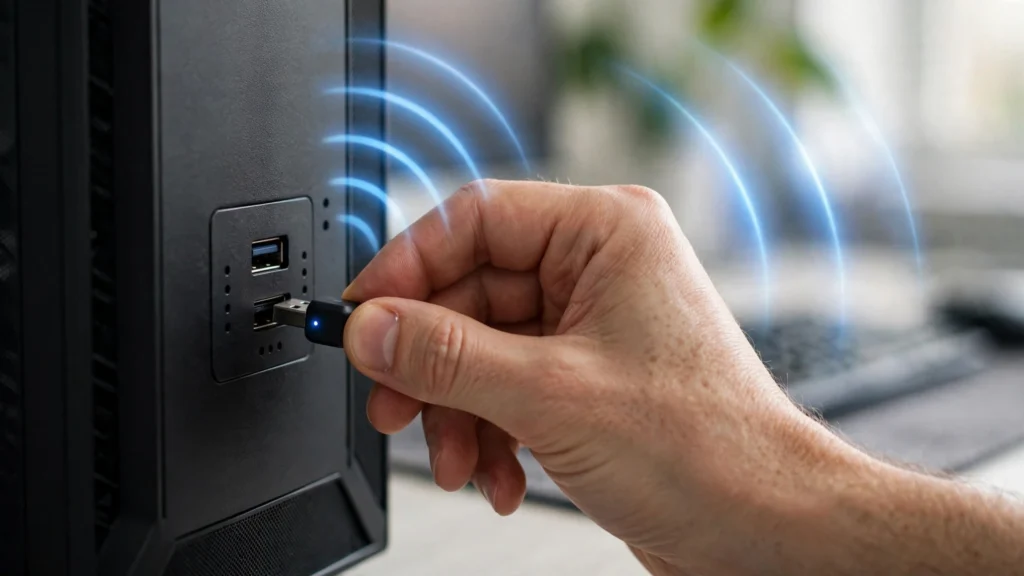
This is the single most confirmed PC fix in the community. Windows tries to save power by cutting the Bluetooth adapter, and the controller is the casualty. Open Device Manager, expand Bluetooth, right click your adapter, open Properties, go to the Power Management tab, and uncheck “Allow the computer to turn off this device to save power.” Restart the PC.
Also disable USB selective suspend: Control Panel, Power Options, Change plan settings, Change advanced power settings, set USB selective suspend to Disabled. That stops Windows from sleeping the port that feeds your dongle or Xbox Wireless Adapter.
Fix 4: Kill the Interference
Bluetooth and Xbox wireless share the crowded 2.4 GHz band with your router and USB 3.0 ports. Stay within about 20 feet, keep your router 6 to 8 feet away from the console or PC, and move your phone and PC to the 5 GHz Wi-Fi band. Unplug USB 3.0 drives sitting next to a Bluetooth dongle. If the dongle plugs into the back of a desktop under the desk, put it on a USB extension cable and bring it onto the desk. Once the drops stop but movement still feels late, measure your real numbers with our input lag test guide.
Fix 5: Update Firmware and Drivers
Outdated firmware is a top three cause of disconnects on every platform. On Xbox, plug the controller into a PC with a USB cable and open the Xbox Accessories app from the Microsoft Store. It prompts you when new firmware exists. Note the widely installed Xbox firmware 5.23.5.0 shipped with a mass-disconnect bug, fixed in 5.23.6.0. If your Xbox pad started dropping after an update, check the firmware first.
On PS5, update the controller under Settings, Accessories, Controller (General), DualSense Wireless Controller Device Software, and update the PS5 system software too.
On PC, Intel Bluetooth drivers newer than 21.0.0.4 push a DualSense to a 1000 Hz polling rate when several controllers connect, and the link drops under that load. Check what your pad reports with our controller polling rate tester, and update your motherboard chipset drivers. Many desktop motherboards ship with the Wi-Fi antenna disconnected in the box, and on most boards that antenna also serves Bluetooth. Check behind the PC.
Fix 6: Fix Steam Input on PC
Steam takes over your controller whether you ask it to or not. When Steam Input fights the game’s own controller support, the pad disconnects or misbehaves. Connect the pad, then fully exit Steam. If the drops stop, Steam Input was the problem. For a permanent fix, open Steam, go to Settings, Controller, and set the game’s Steam Input to its native handling instead of forced on. Also check “Controller shutdown time” in the same settings. It defaults to 15 idle minutes, and Steam powers the pad down when it hits zero.
Fix 7: PS5 Specifics
Reset the DualSense with the pinhole method from Fix 2, then re-pair it over a data cable. Make sure the console software is current, because controller firmware rides along with system updates. In Settings, Accessories, switch the controller’s communication method to USB if Bluetooth keeps failing. If a second DualSense works fine on the same console, stop troubleshooting the console. Your pad is the problem. Skip to Fix 9.
Fix 8: Xbox and Switch Specifics
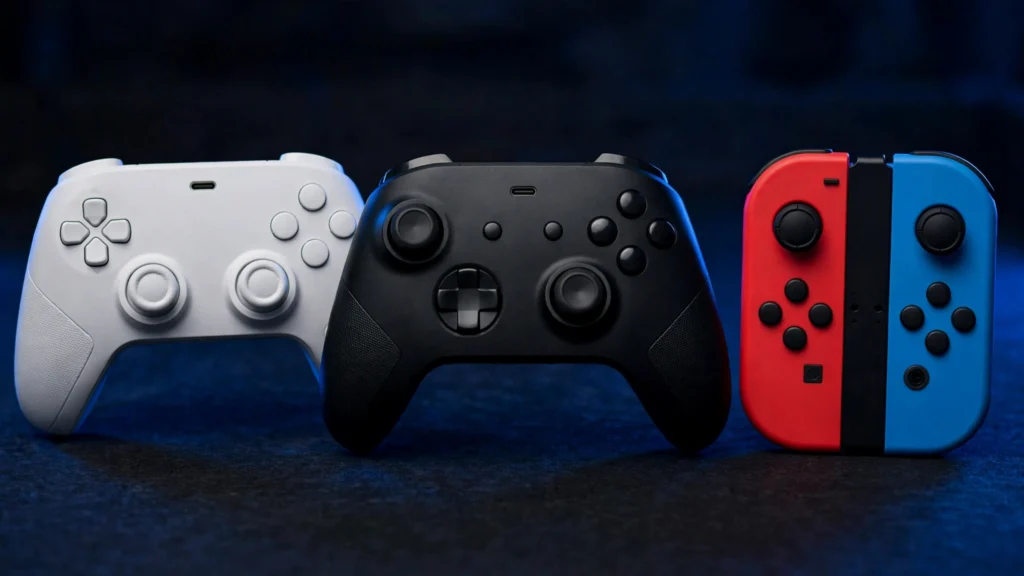
Xbox controllers prefer the official Xbox Wireless Adapter over generic Bluetooth. It supports up to eight controllers. No adapter on hand? Test with a USB-C cable. A pad that holds on cable but drops on Bluetooth needs the adapter or a firmware update, not a replacement. For a full-battery Xbox pad that still drops, update the firmware first.
On Switch, hold the small SYNC button until the lights flash, then pair again from Controllers, Change Grip/Order. In System Settings, Controllers and Sensors, run Update Controllers, then use Disconnect Controllers to wipe every saved pairing. The dock’s USB 3.0 ports sit next to the wireless radios, and a drive plugged into the dock can jam the Joy-Con signal. For Joy-Con dropping in handheld mode, clean the rail contacts first. Handheld drops are usually a contact problem, not a radio problem.
Fix 9: The Vibration Test
This is the diagnosis most guides miss. If your controller disconnects the exact instant vibration kicks in, it is not interference. It is a brownout. The rumble motors draw a surge of current on startup, the battery or power rail sags, and the wireless chip resets.
Turn vibration and haptics completely off in the game’s settings, then play the same section that caused the drop. If the disconnects stop with rumble off, the battery cannot deliver peak current, or a solder joint in the power path is cracked. Watch the LED during the rumble moment. A light that dies exactly when vibration starts is the brownout signature. Also run our controller connection stability test twice, once with rumble on and once with it off, and compare the drop counts. A fresh battery or battery pack fixes most brownouts. If a new pack still fails, the fault is inside the pad.
When It’s Hardware (and When to Use the Warranty)
Run every fix above before opening anything. Opening the controller voids the warranty on most brands. These signs point to hardware: the vibration test fails with a new battery, the pad disconnects on cable as well as Bluetooth, the USB port is loose, or a second identical controller works fine on the same device.
If the sticks also behave badly alongside the drops, run our stick drift tester before you decide between repair and replacement.
Keep It From Coming Back
Charge the controller before long sessions instead of trusting the percentage. Keep one clean pairing per device. Update firmware the week it releases. Keep the router and the console a few feet apart. For tournaments and ranked sessions, use a data cable or the official adapter. A wireless drop costs real games.
FAQs
Why does my PS5 controller keep disconnecting from my PC with a full battery?
The next suspects are Windows power management, Intel Bluetooth drivers, and Steam Input. Uncheck “Allow the computer to turn off this device to save power” on the Bluetooth adapter, update the Intel driver, and exit Steam as a test. A DualSense that holds on PS5 but drops on PC is a PC setting.
Why does my Xbox controller keep disconnecting on Windows 11?
The three most common causes are the Bluetooth power-management checkbox, the firmware 5.23.5.0 disconnect bug, and interference. Disable the power-management setting, update the firmware with the Xbox Accessories app, and try the official Xbox Wireless Adapter.
Why does my controller disconnect the moment vibration starts?
That is a brownout, not interference. The rumble motors draw a surge of current, the voltage rail sags, and the wireless chip resets. Turn vibration off and retest. If the drops stop, replace the battery or battery pack. A new pack that still fails means the fault is inside the controller.
Why does my Joy-Con keep disconnecting in handheld mode?
Handheld mode uses the physical rail connection, so dirty or worn rail contacts are the usual cause. Clean the contacts on the Joy-Con and the console rail with a dry cloth. If only one Joy-Con drops, it needs service.
Why does my controller keep disconnecting and reconnecting?
A connect-disconnect loop means the link forms and then something kills it. Stale pairing data is the usual cause, so forget the device everywhere and pair fresh. On PC, the Bluetooth power-management setting and Steam Input cause the same loop. If it survives both, update the firmware.
Why does my PS5 controller disconnect after a few minutes of not touching it?
Two sleep timers can do this. The PS5 puts idle controllers to sleep, and Steam’s controller shutdown time defaults to 15 minutes on PC. Adjust both if you take long breaks. This is a setting, not a fault.
Can my Wi-Fi router really disconnect my controller?
Yes. Bluetooth, Xbox wireless, and most Wi-Fi all use the 2.4 GHz band. A router within a few feet of the console or PC can drown the controller’s signal. Keep at least 6 to 8 feet of separation and move your phone and PC to the 5 GHz band.
Does a wired controller disconnect less than Bluetooth?
Yes. A cable has no radio link to drop and no pairing data to go stale. If a controller drops on Bluetooth but holds on a data cable, the wireless path is the problem.
Why does my controller disconnect only in certain games?
That pattern points to software. On PC, Steam Input conflicts with some games’ native controller support. Set the game’s Steam Input to native handling. A hardware fault would drop in every game.
References
- Robots.net, why a controller disconnects when vibration activates: https://robots.net/gaming-and-entertainment/pc-gaming/why-does-my-controller-disconnect-when-vibration-activates/
3 Comments