Best Warzone Controller Settings 2026 (Sensitivity, Aim Assist)
If your aim feels either too jumpy or too slow in Warzone, your controller settings are usually the cause, not your reflexes. Most guides still quote the old sensitivity scale, so players copy numbers that no longer match the menus in front of them. This guide gives you a tested starting point for the current game, explains what each setting does in plain words, and shows you how to tune it to your own controller in a few matches.
Warzone changed its stick sensitivity scale from 1-20 to 0.10-4.00 in December 2024. That is why old advice like 6-6 or 7-7 no longer lines up with the slider you see today. On the current scale, 1.60 horizontal and 1.60 vertical is a balanced starting point for most players.
Best Warzone Controller Settings at a Glance
Use this table as your starting point, then read the sections below before you change anything else. Change one setting at a time so you know what helped and what hurt.
| Setting | Recommended starting value |
|---|---|
| Horizontal Stick Sensitivity | 1.60 |
| Vertical Stick Sensitivity | 1.60 |
| ADS Sensitivity Multiplier | 1.00 |
| ADS Sensitivity Multiplier (Focus) | 0.90 |
| Aim Response Curve Type | Dynamic |
| ADS Sensitivity Transition Timing | Instant |
| Target Aim Assist | On |
| ADS Aim Assist | On |
| Button Layout | Tactical (or Default if you use back paddles) |
| Controller Vibration | Off |
| Trigger Effect | Off |
| Left Stick Minimum Deadzone | Lowest value with no drift (start at 0 and raise only if needed) |
| Right Stick Minimum Deadzone | Lowest value with no drift (start at 0 and raise only if needed) |
| Left and Right Trigger Deadzone | 0 |
These values work on PS5, Xbox, and PC controller play. They are a baseline, not a final answer. Your controller wear, stick height, and play style will move the final numbers a little in either direction.
Sensitivity Settings: Start at 1.60 and Adjust in Small Steps
Stick sensitivity controls how fast your view turns when you push the stick. A higher number turns faster but makes small aim corrections harder. A lower number tracks more steadily but can feel slow when an enemy pushes you from behind.
Start at 1.60 for both horizontal and vertical sensitivity. Play three to five matches at that value before you judge it. If you keep overshooting targets, drop to 1.50. If close range turns feel slow, try 1.70. Move in steps of 0.10, not big jumps, because a big jump hides which change actually helped.
Keep horizontal and vertical equal at first. Some players later raise horizontal slightly for faster turns, but an uneven pair can make diagonal tracking feel odd, so only split them after the equal pair feels close to right.
A note on old guides: if a guide tells you to use 6 or 7 for sensitivity, it is using the retired 1-20 scale. Do not type 6 into the current 0.10-4.00 slider. That would max out your turn speed and wreck your aim. The setup.gg guide updated August 14, 2026, and the Dexerto and SCUF guides it cross-checks, all use the current scale and the same 1.60 starting point.
Aim Assist Settings: Keep Both On and Keep Tracking
Target Aim Assist and ADS Aim Assist should both stay On for most players. Turning them off removes help that the game is built around, and it only makes sense if you have a specific reason and plenty of practice time to relearn your aim.
Current Warzone also asks more of you than older versions did. Activision notes that maximum rotational aim assist now needs real right stick tracking input. In plain terms, you still have to follow the target with your stick. Aim assist helps your tracking, it does not replace it. If you hold the stick still and wait for the game to do the work, you will get less help than a player who keeps making small tracking corrections.
Set ADS Sensitivity Transition Timing to Instant. This makes your aim respond right away when you switch from hip fire to aiming down sights, with no gradual ramp in between. A gradual ramp can feel smooth in the menu but costs you time in a close fight.
Aim Response Curve Type deserves its own choice, covered next.
Aim Response Curve: Why Dynamic Is the Usual First Pick
The aim response curve decides how stick movement maps to aim speed. Standard ramps up gradually and feels slow near the center. Linear gives a one to one map between stick push and aim speed, which is predictable but can feel twitchy at first. Dynamic starts fast near the center and slows near the edges, which helps with quick flicks and steadier tracking once you are on target.
Dynamic is the most common competitive pick, and it is the first curve most players should test. If Dynamic feels too jumpy for long range shots, try Linear next and give it at least five matches before you switch again. Do not flip curves every match, because your muscle memory never gets a chance to settle.
If you play on PC with a controller and your aim feels off across games, check our guide on how to reduce controller input lag on PC first, since input lag can look exactly like a bad sensitivity setting.
Deadzone Settings: As Low as Your Controller Allows
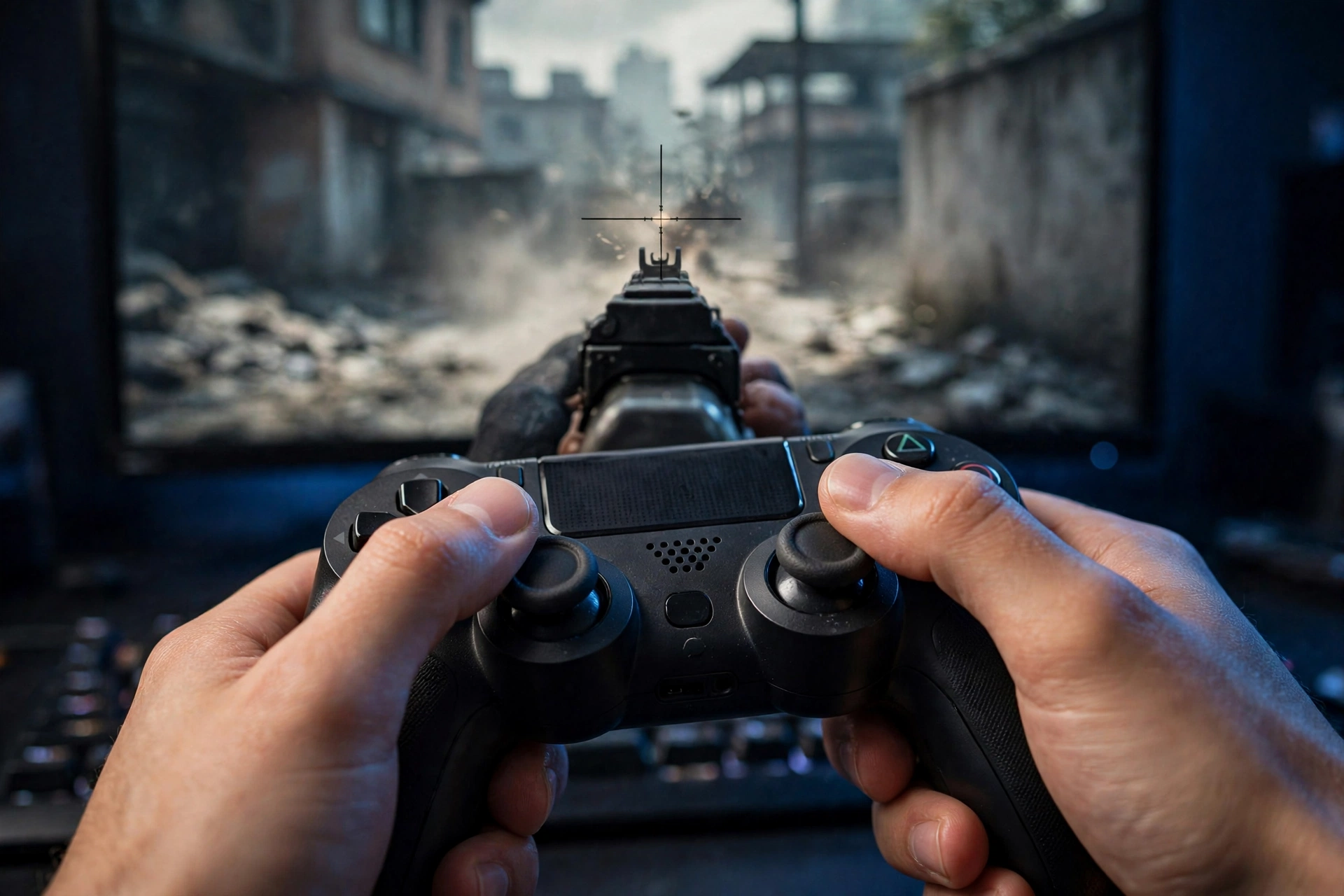
A deadzone is how far you must push a stick before the game registers any movement. A deadzone that is too high makes your aim feel heavy and late. A deadzone that is too low lets a worn stick drift on its own, so your crosshair creeps when your thumbs are off the sticks.
Start both stick minimum deadzones at 0, drop your weapon view into a safe area, take your thumbs off the sticks, and watch the screen. If nothing moves, your deadzone is fine. If the view creeps, raise only the drifting stick one step at a time until it stops. There is no universal number here, because every controller wears differently. That is why guides that insist on one fixed deadzone for everyone are misleading.
Set Left Stick Max to 80 and Right Stick Max to 99 as a starting point, following the current setup.gg baseline. The left value makes full movement register sooner, while the right value keeps your full aiming range. Set both trigger deadzones to 0 so shots and ADS register with a light press.
If your stick already drifts at rest even with a higher deadzone, the stick itself may need cleaning or repair. Our guide on how to clean PS5 controller analog sticks safely covers a no-opening clean that fixes minor drift.
You can also test your sticks for drift and dead spots on our free gamepad tester tool before you change Warzone settings.
ADS Sensitivity: Keep It Near 1.00, Lower for Long Range
ADS sensitivity controls how fast you aim while looking down sights. Set the main ADS Sensitivity Multiplier to 1.00 and the Focus multiplier to 0.90 as your baseline. Low zoom ADS around 0.85 to 0.90 suits most rifles and SMGs, while high zoom optics for long range play often feel better a little lower, near 0.80, because a slower ADS speed steadies long shots.
If your long range shots keep overshooting, drop low zoom ADS by 0.05 and test again. If close range ADS tracking feels sluggish, raise it by 0.05. Small steps again, and only one change per test session.
For snipers, the same rule holds in reverse: a lower ADS value helps you hold on a distant target, but too low a value makes it hard to track a moving enemy at mid range. Start at 0.85 for high zoom and adjust from there.
Button Layout and Movement Settings
Button Layout Tactical swaps crouch and prone to the right stick click, so you can drop shot without taking your thumb off the aim stick. That is why Tactical is the easiest layout to recommend if you do not have back paddles. If you do use paddles, Default works fine, since you can map crouch and jump to the paddles instead.
Turn Controller Vibration Off and Trigger Effect Off. Vibration feels immersive, but it shakes your aim during sustained fire and hides small recoil cues. Trigger Effect adds resistance that can slow your trigger finger in a gunfight. Both are comfort settings, not aim settings, and turning them off is free performance.
Turn Automatic Tactical Sprint on if you want faster movement without holding sprint, and set Sprint Assist Delay to 0. Test it for a few matches, because some players prefer full manual control over sprint timing in ranked play.
If your Xbox controller disconnects mid match, that is a hardware or connection fault, not a settings problem. Our Xbox disconnecting fix guide walks through the common causes in order.
Settings for PS5, Xbox, and PC Controller Players
The core values above are the same across platforms, because Warzone uses the same menus on PS5, Xbox, and PC. The differences are in the hardware around the game.
On PS5, turn off trigger effects in Warzone even if you like them in single player games, and check that your DualSense firmware is current before you blame settings for a new problem. On Xbox, the Elite Series 2 paddles let you keep Default layout while still drop shotting, so Tactical is optional rather than required. On PC, make sure Steam Input is not adding a second layer of settings on top of Warzone. If Warzone does not respond to your controller at all on PC, our Steam controller fix guide covers the usual causes.
If you use an Xbox controller on PC, calibration is worth checking too, since a badly calibrated stick can mimic a deadzone problem. See our guide on calibration.
How to Test Your New Settings in Five Matches
Copying numbers is only step one. Testing them properly is what turns a baseline into your settings.
First, write down your starting values so you can return to them. Second, play five matches with no other changes, across at least two maps or modes, so one bad lobby does not mislead you. Third, note one specific problem per session, such as overshooting at close range or slow long range tracking, and change only the setting tied to that problem. Fourth, repeat the five match test after each single change. This method is slower than copying a pro player's full setup, but it is the only method that accounts for your controller and your hands.
A pro setup is a useful reference, not a target. Pros use different stick heights, tensions, and thousands of hours of practice on one setup. Start from the 1.60 baseline in this guide, then tune toward what feels steady for you.
Common Mistakes That Ruin Warzone Aim
Copying old 6-6 or 7-7 sensitivity numbers into the new 0.10-4.00 scale is the most common mistake, and it makes aim wildly fast. Changing five settings at once is the second, because you never learn which change helped. Turning aim assist off to prove a point is the third, since it removes help the game expects you to use. Setting a deadzone from a guide instead of testing your own controller is the fourth, because a worn stick needs a higher deadzone than a new one. Finally, switching curves or sensitivity every match stops muscle memory from forming, so even good settings feel bad.
FAQs
What is the best sensitivity for Warzone controller in 2026?
Start at 1.60 horizontal and 1.60 vertical on the current 0.10-4.00 scale. Drop to 1.50 if your aim feels jumpy, or try 1.70 if close range turns feel slow. Old 6-6 or 7-7 values use the retired scale and do not apply anymore.
Should aim assist be on or off in Warzone?
Keep Target Aim Assist and ADS Aim Assist On. Current Warzone still needs your right stick tracking input for full rotational help, so aim assist supports your aim rather than replacing it.
What deadzone should I use in Warzone?
Use the lowest deadzone that stops drift on your own controller. Start at 0, watch for movement with your thumbs off the sticks, and raise only the drifting stick one step at a time. Trigger deadzones can stay at 0.
Is Dynamic or Linear better for Warzone?
Dynamic is the best first pick for most players, because it gives quick initial turns and steadier tracking near the target. Try Linear if Dynamic feels too jumpy, and give each curve at least five matches before you judge it.
Why does my aim feel different after a Warzone update?
Updates can change aim assist behavior, movement, or the sensitivity feel, as the Black Ops 7 Warzone changes did. Re-test your baseline after a major update with the five match method above instead of assuming your old values still feel the same. Note that a new Warzone version tied to Modern Warfare 4 had not launched as of late October 2026, so treat any guide promising final values for that version with care and re-test when its Season 1 patch notes land.
Start with 1.60 sensitivity, Dynamic curve, Instant ADS transition, both aim assist options on, vibration off, and the lowest deadzone that stops drift. Test that baseline for five matches, change one setting at a time, and you will end up with settings that fit your controller and your play style, instead of someone else's numbers pasted into your game.