How to Clean PS5 Controller Sticks Safely (Fix Minor Drift)
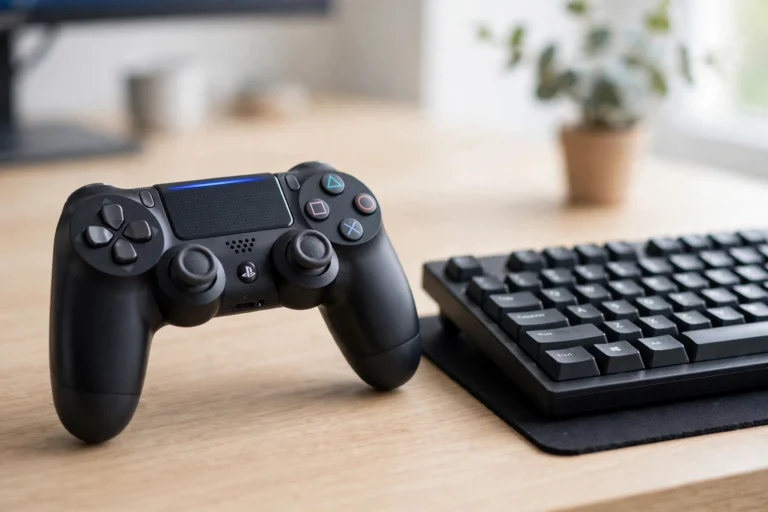
If your PS5 character slowly walks on its own or your camera creeps to one side, dust and skin oil around the analog sticks may be the cause. Before you buy a new controller or open the shell, try a proper clean. It takes about 15 minutes, costs almost nothing, and it can fix minor drift caused by dirt. This guide shows how to clean PS5 controller analog sticks safely, without opening the controller and without risking water damage.
Cleaning will not fix a worn out stick module, but it is the right first step for light, new, or dust related drift, and it will not void your warranty when you stay outside the shell.
Why Analog Sticks Get Dirty
Every time you play, your thumbs leave skin oil, sweat, and tiny dust particles on the sticks. That debris works its way into the small gap where the stick meets the shell. Once it sits near the stick sensor, the controller can read movement even when your thumb is still. This is why drift often starts slowly and gets worse over weeks. Regular cleaning keeps the neutral position clean, so the controller knows where “still” really is. Players who clean their sticks every two to three months report fewer minor drift problems than players who never clean them.
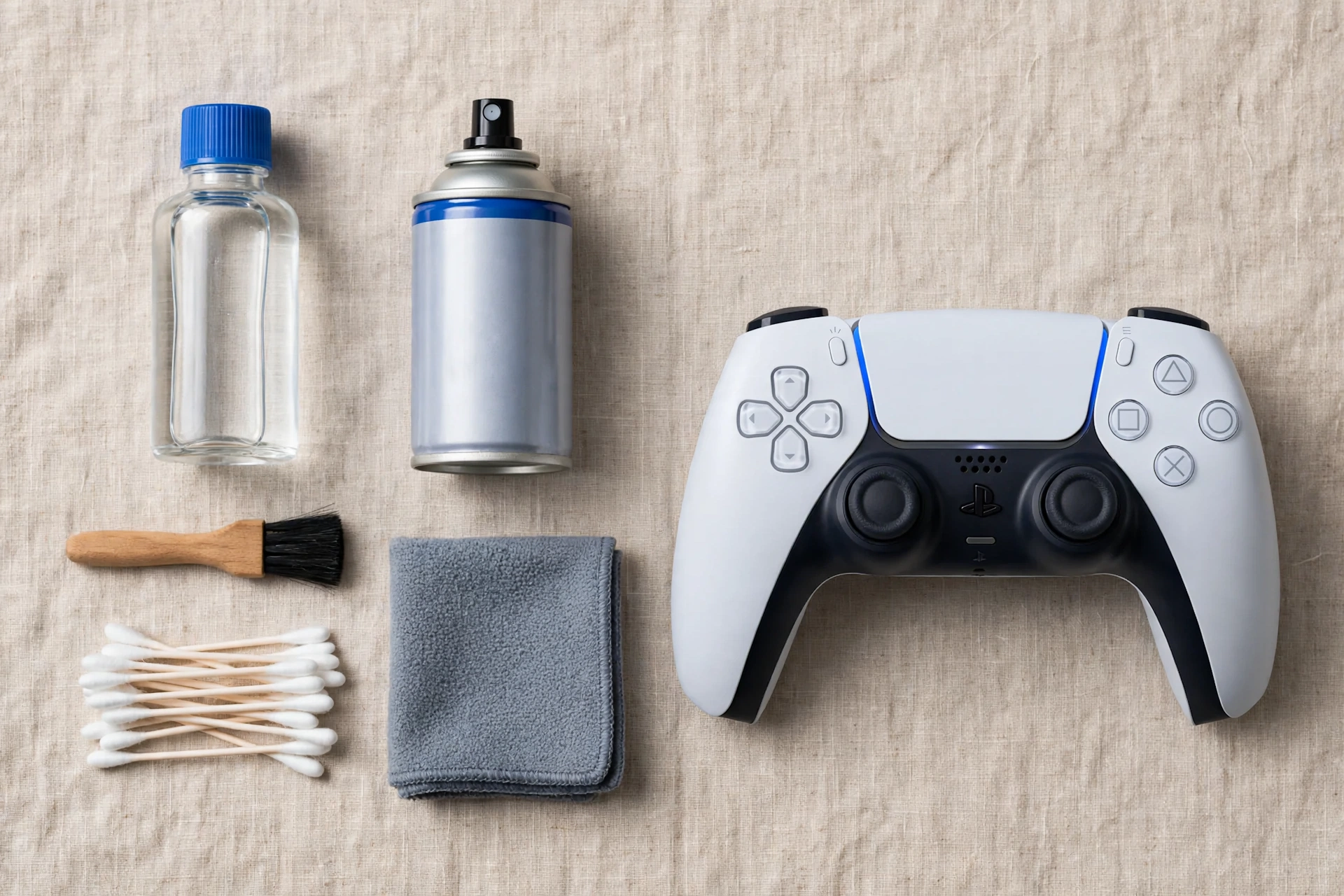
What You Need
- A can of compressed air with a straw nozzle.
- Cotton swabs.
- Isopropyl alcohol at 70 percent or higher.
- A dry microfiber cloth.
- A well lit table.
- Optional: a soft brush, like a clean dry toothbrush, for loose dust on the shell.
What NOT to Use
Do not pour water, soap, or any liquid straight onto the controller. Do not use hand sanitizer, because gels and moisturizers leave residue inside the stick gap. Do not use a wet wipe that drips, a vacuum cleaner on high power, or a hair dryer on heat. Do not spray compressed air in long blasts, and never tilt the can sideways, because liquid propellant can leak out. Do not open the controller while it is still under warranty just to clean it. The outside method below is enough for most dust related drift.
Step 1: Power Off and Dry Clean With Compressed Air
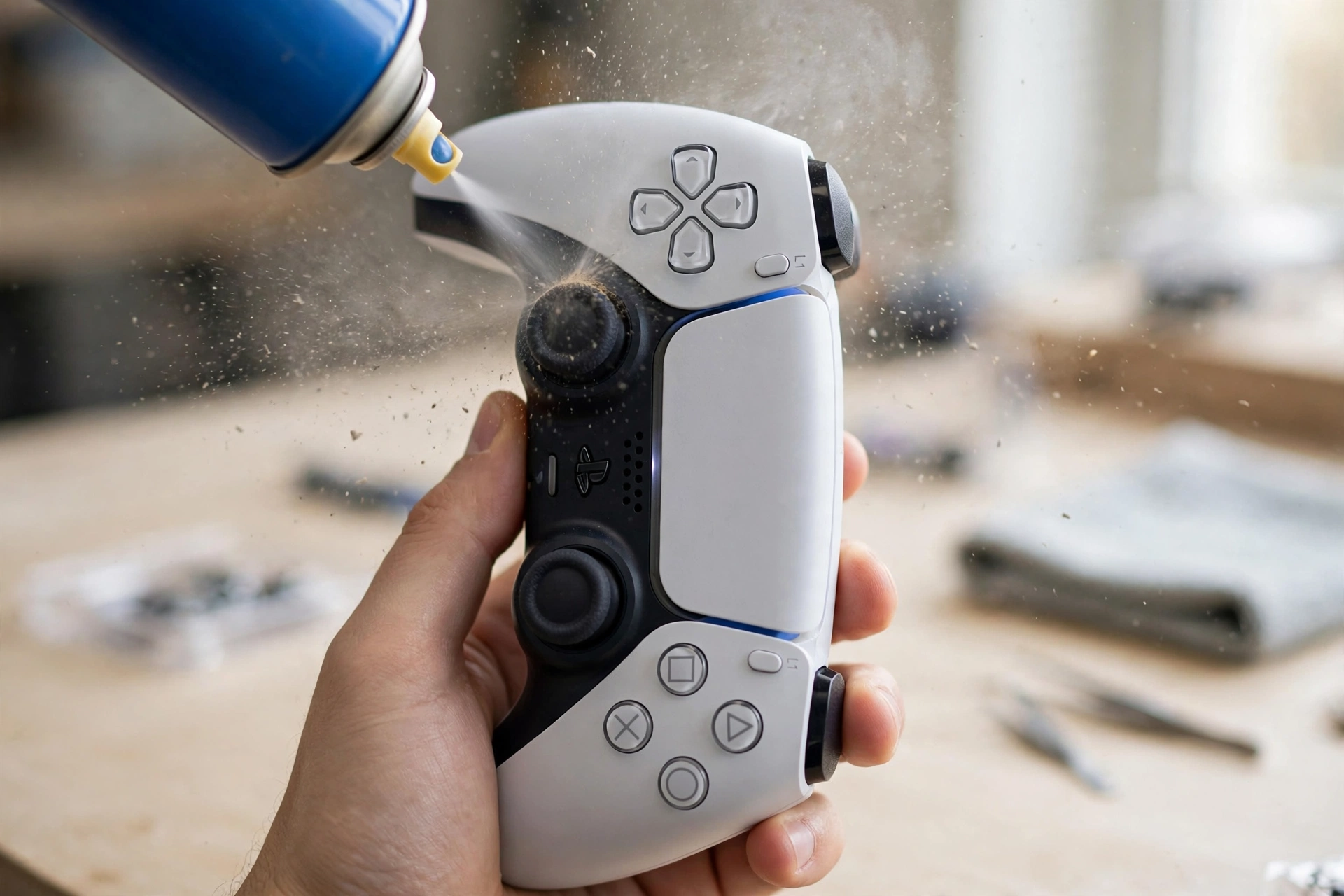
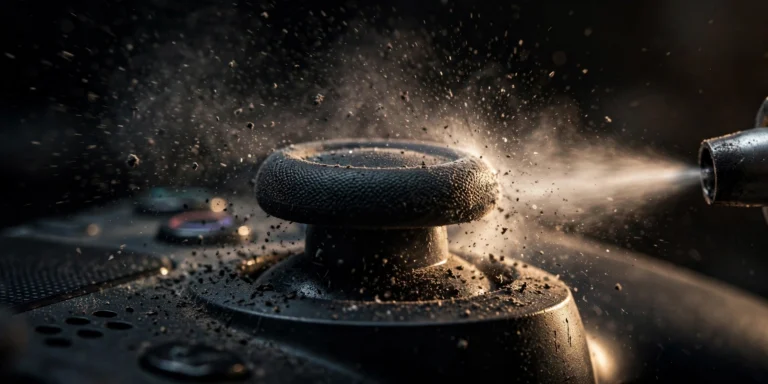
Turn the controller fully off and unplug it from the PS5 and any charger. Hold it upright. Push one stick gently to one side so the gap at its base opens up. Give two or three short bursts of compressed air into that gap, then rotate the stick to each direction (up, down, left, right, and the corners) and repeat. Do the same for the second stick. This dry step alone clears loose dust, and for controllers under a year old it sometimes removes the drift completely.
Step 2: Clean the Stick Base With Isopropyl Alcohol
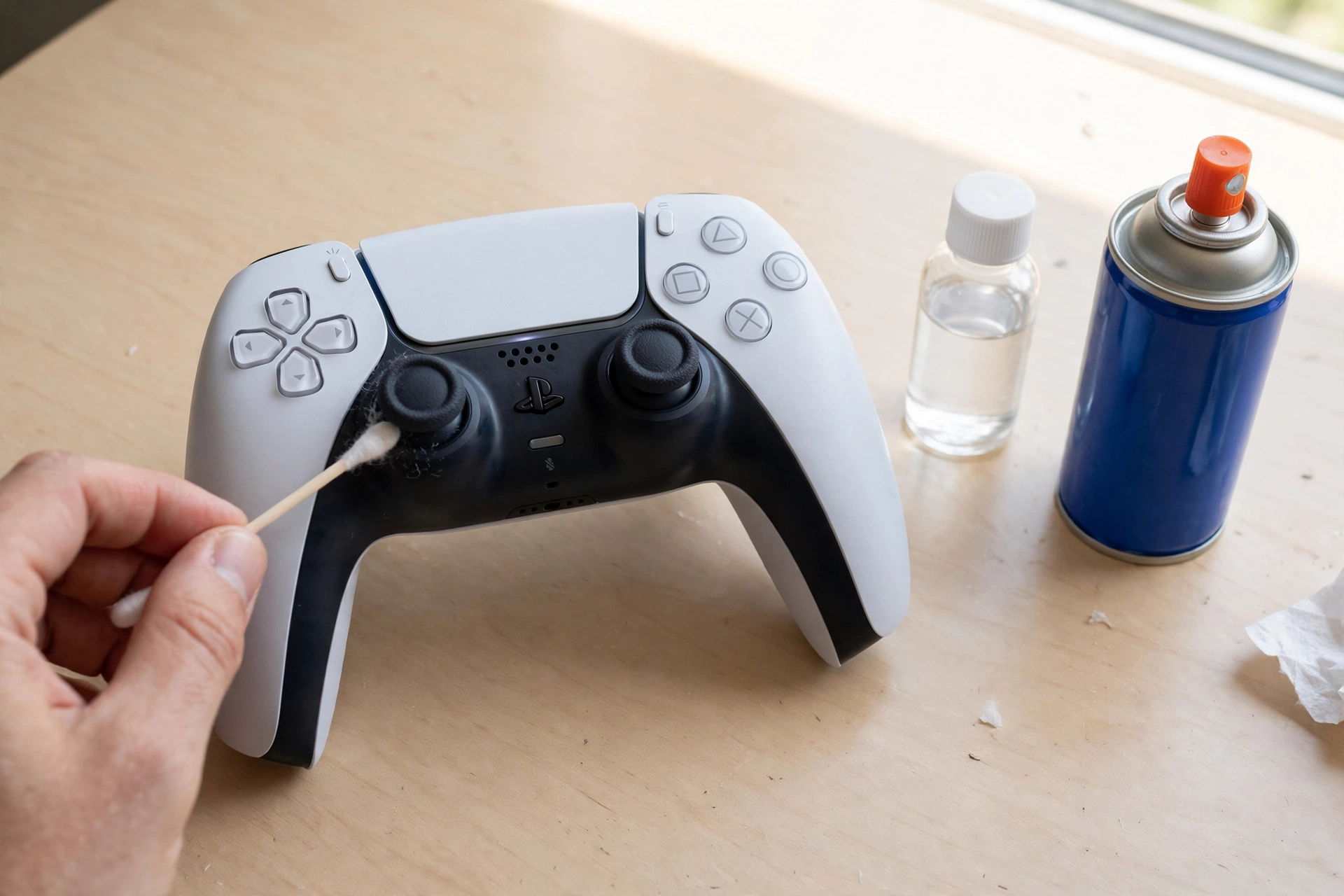
Dampen a cotton swab with isopropyl alcohol. The swab should feel moist, not dripping. Squeeze out any extra liquid first. Work the swab slowly around the full base of one stick, pushing the stick gently to each side as you go so you reach the whole ring. Use a fresh swab for the second stick. Alcohol dissolves skin oil and sticky grime that air cannot move, and at 70 percent or higher it evaporates without leaving residue. Never apply liquid straight to the controller. Always put it on the swab first.
Step 3: Work the Sticks in Circles
After the swab pass, slowly rotate each stick in full circles for about 30 seconds, first clockwise and then counterclockwise. Press the stick down once (the L3 or R3 click) and rotate again. This movement works loose any last particles and spreads the small amount of alcohol evenly around the base. If a swab comes back visibly dirty, repeat Step 2 once with a fresh swab. Do not force a stiff stick. If it grinds or sticks in one spot, stop and test it instead of pushing harder.
Step 4: Dry Fully, Then Test
Let the controller air dry for 10 to 15 minutes. Do not use heat, and do not plug it in early just to check. When it is fully dry, reconnect it to your PS5 with a USB cable. Go to Settings, then Accessories, then Controllers, and check the stick response. You can also test it on a gamepad tester page or in a game where the drift showed before. Move each stick through its full range and leave it centered for a few seconds. If the on screen stick stays still at rest, the clean worked.
If the controller also drops its Bluetooth connection, see our guide to PS5 controller Bluetooth connection problems. If you test on PC and Steam does not respond to the controller, see 6 quick fixes for a controller not working in Steam. If you use DS4Windows on PC to check stick input, see our DS4Windows detection fixes.
When Cleaning Will Not Fix the Drift
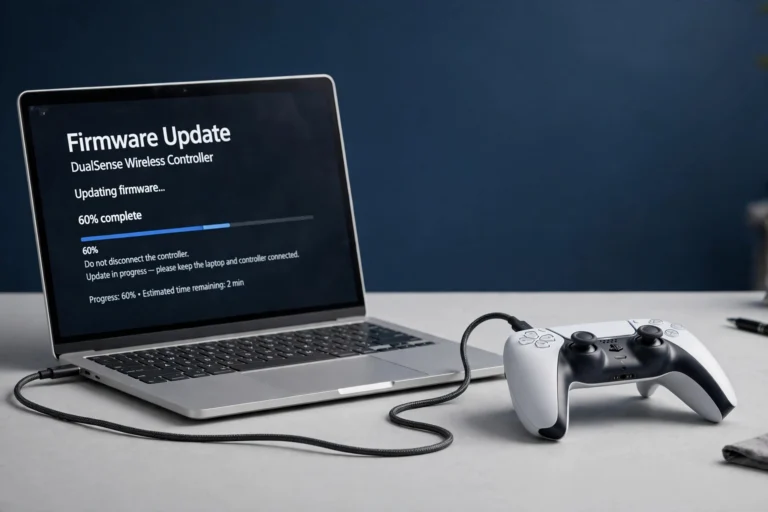
Cleaning helps when dust or oil is the cause. It will not fix a stick module that is worn out from hundreds of hours of play, a stick that was dropped and damaged, or drift that stays strong in every direction after two full cleans. In those cases, try the small reset button on the back of the controller (press it with a paperclip for 5 seconds, then reconnect with USB), update the controller firmware, and raise the deadzone slightly in your game settings as a short term fix. If the controller is still under warranty, contact PlayStation Support before opening it. DualSense Edge owners have one extra option: Sony sells a replaceable stick module for about 30 dollars, and it swaps in without soldering.
If drift started after an update, check the firmware guide: how to update PS5 controller firmware on PC. For more drift cleaning advice, see Digital Trends and Engadget.
How Often to Clean, and How to Keep Sticks Clean
Clean the sticks every two to three months if you play daily, and right away if you notice light drift, a gritty feel, or sticky movement. Wash and dry your hands before long sessions, keep food and drinks away from the controller, and store it in a case or on a clean shelf instead of on the floor or a dusty desk. A quick dry brush around the stick base once a month takes less than a minute and stops most buildup before it causes drift.
FAQs
Can I use water to clean PS5 analog sticks?
No. Water does not evaporate as cleanly as isopropyl alcohol and it can sit inside the stick gap. Use a swab dampened with 70 percent or higher isopropyl alcohol instead, and never pour liquid straight onto the controller.
Will cleaning void my PS5 controller warranty?
No, not when you clean only the outside of the controller as described here. Opening the shell, removing parts, or soldering inside the controller can affect warranty cover, so stay outside the shell while the controller is under warranty.
How long should I let the controller dry after cleaning?
Let it air dry for 10 to 15 minutes before you plug it in or turn it on. Isopropyl alcohol evaporates fast, but the stick gap needs that full time to dry completely.
Can I remove the stick caps to clean underneath?
You can pull DualSense stick caps straight up, but most players do not need to. The swab and compressed air method reaches the dirt that causes minor drift. If you do remove a cap, pull straight up, do not twist hard, and press it firmly back on after it is dry.
Does cleaning fix all stick drift?
No. Cleaning fixes drift caused by dust, skin oil, and light grime. It does not fix worn potentiometers inside the stick module. If drift stays strong after two cleans, a reset, and a firmware update, the module itself is likely worn and needs repair or replacement.
How often should I clean my PS5 controller sticks?
Every two to three months for daily players, plus a quick dry brush around the stick base once a month. Clean sooner if you feel grit, stickiness, or light drift.

One Comment